Gym by Rick

One tap
per set

A workout logger that stays out of the way. Weights and reps fill in from last time, so logging a set is one tap: in the app, on the Lock Screen or on your Apple Watch.

Coming soon to the App Store

iPhone · No account, no ads

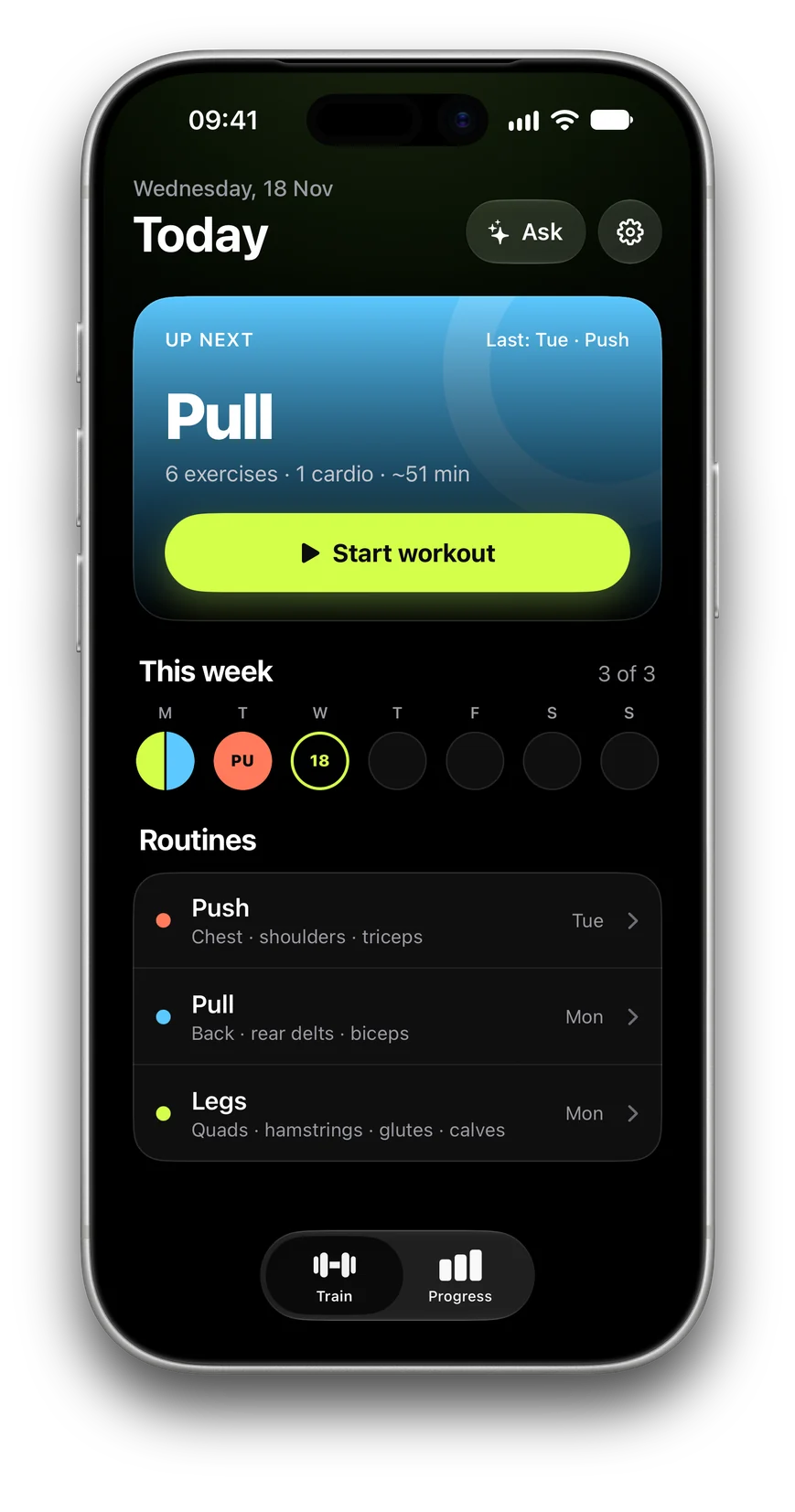
Today: Pull is up next, three workouts this week, and the Push, Pull and Legs routines

Lift. Tap. Rest.

  1. StartYour next routine is upPush, pull, legs or a split of your own. The app knows which one comes next.
  2. LiftDone setLast time's weight and reps are already there. Change them only when you lift more.
  3. RestThe timer starts itselfA countdown in the Dynamic Island, and a nudge when the rest is over.

In the gym

Last time's numbers, already filled in

One exercise at a time, with big steppers for the days you add weight. Machine taken? Swap to another exercise and come back. Add a set, drop one or add an exercise just for today.
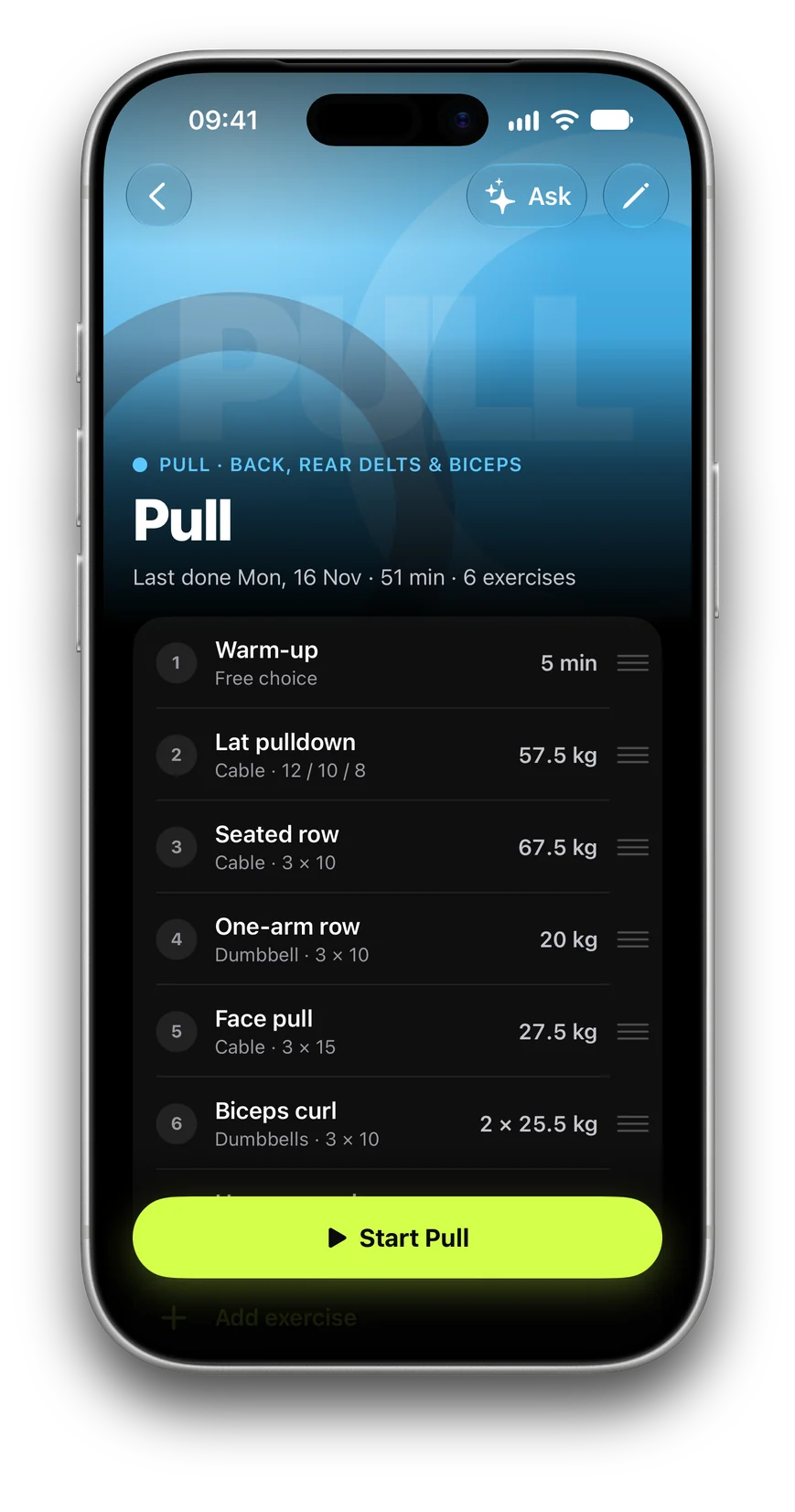
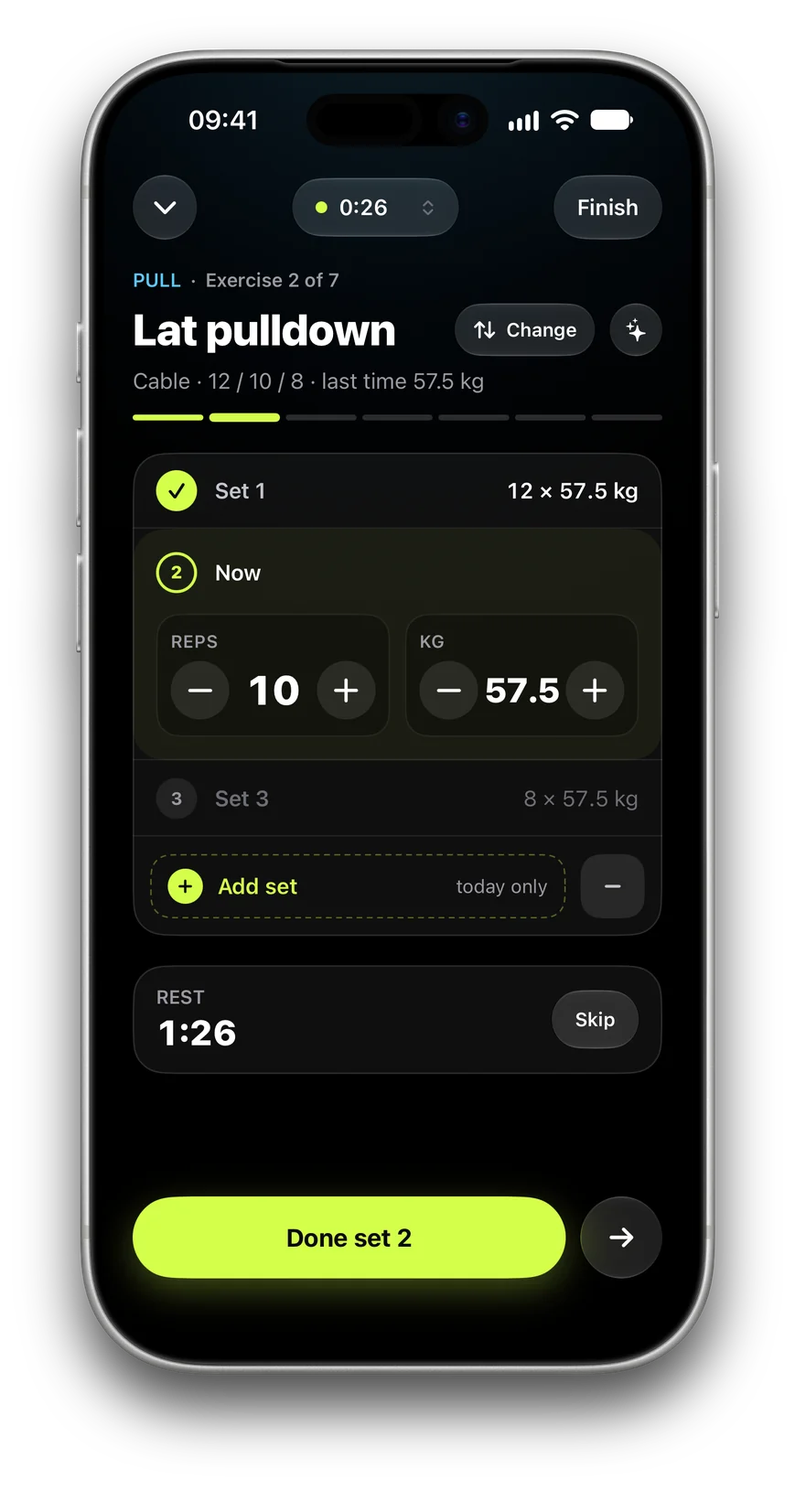
Pull: six exercises with the weight of last time next to each Lat pulldown: set 1 done at 12 × 57.5 kg, set 2 ready, rest timer at 1:26

Afterwards

See what got heavier

Every workout ends in a summary: minutes, volume against last time and each new best. Progress shows your month by split, your streak and the last six sessions of every lift.
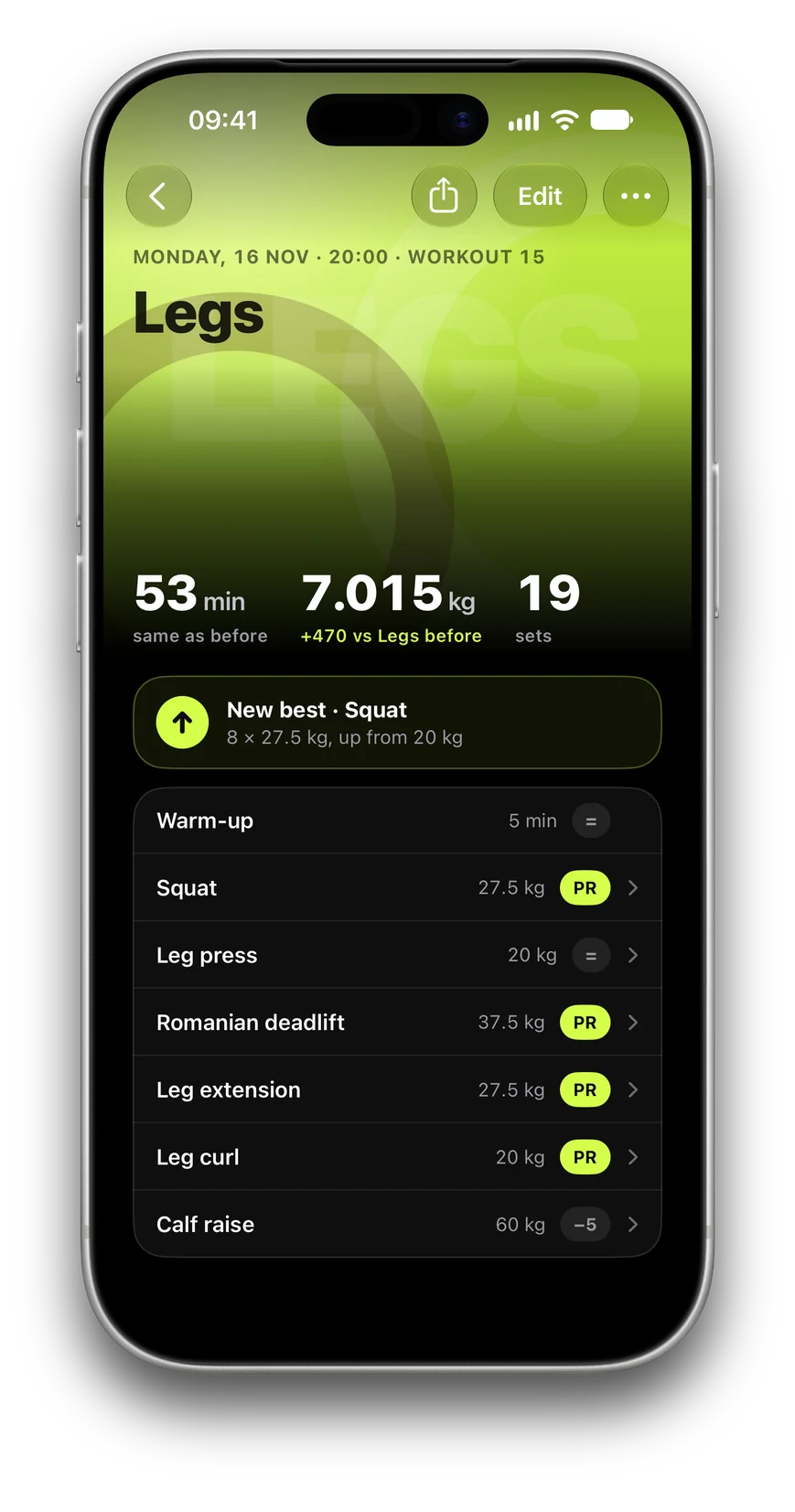
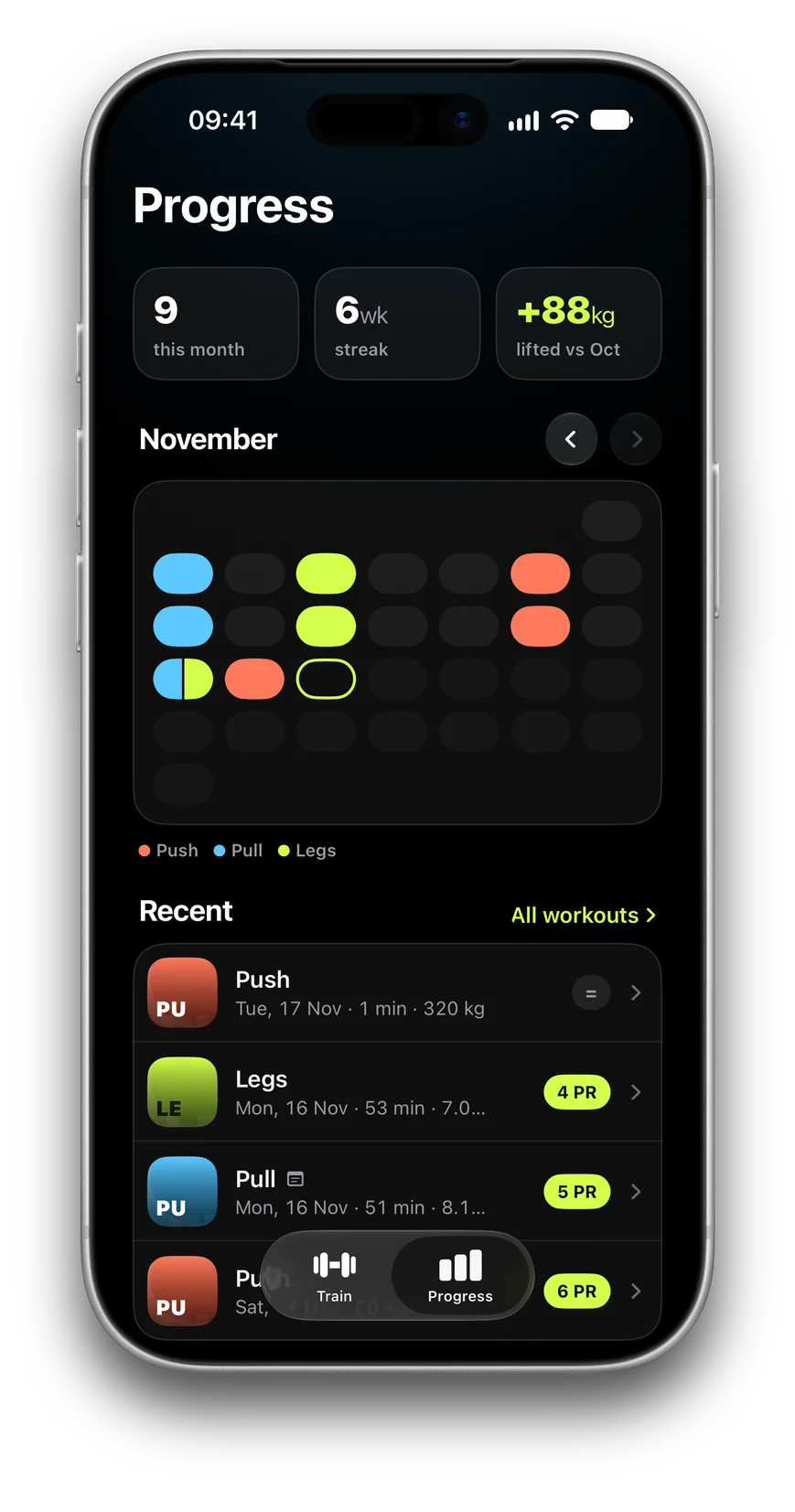
Legs summary: 53 minutes, 7,015 kg, 19 sets and a new best on the squat Progress: nine workouts this month, a six-week streak and the month coloured by split

Made for the iPhone in your hand

The rest timer, the set you are on and the Done button follow you to the Lock Screen, the Dynamic Island and your Apple Watch, so the phone can stay in your pocket.

Set up in two minutesStart from a template, or ask the AI assistant you already use to write your routine and paste its answer in. You see a preview before anything is saved.
Ask about a liftQuestions about an exercise or your plan are answered on your iPhone by Apple Intelligence, from your own history and a Wikipedia article.
Private by designNo account, no ads, no tracking. Your workouts stay on your iPhone, with a backup file that is yours. Privacy policy

Support

Questions, something that looks wrong, or an idea for the app? Email contact@byrick.app or send a message on Instagram at @byrick.app.